Construction robots are already on jobsites. Here's what they're actually doing.
.svg)

Quick Summary
Construction robots are already on jobsites — and they're not doing the dramatic stuff. Drones, walking robots and docked autonomous systems are capturing site conditions on automated schedules, feeding data into platforms like DroneDeploy where AI turns raw imagery into progress reports, safety flags and as-built documentation. The result: consistent, defensible project records without pulling field staff away from the work that actually requires human judgment.
Construction robots are already on jobsites, and they're not laying bricks or welding steel.
The robots working in construction right now are doing something less dramatic but arguably more valuable: they're watching. Capturing. Recording. Creating a visual record of what was built, when it was built and what it looked like the day it went in – automatically, on a schedule, without anyone asking them to.
This blog will show you what robots are already doing on many jobsites, and how your team can start using them.
What counts as a construction robot today
The term is broad. For practical purposes, a construction robot is any automated or semi-autonomous system that captures site conditions without continuous human operation. That covers aerial drones, walking (or rolling) ground robots and docked systems that launch, fly and recharge with no one touching them.
What connects all of them: they move through or over a site on a predetermined path, capture visual and spatial data, and feed it into a platform where it becomes usable information. Platforms like DroneDeploy bring aerial and ground capture into a single system, so the data from a drone flight on Monday morning and a ground robot walkthrough on Tuesday afternoon live in the same place.
The four robot types working on active sites
Mapping drones These fly grid patterns over a site and capture thousands of overlapping images. Photogrammetry software stitches them into orthomosaic maps – distortion-free aerial photos with accurate measurements - along with 3D models and elevation data. Flights can run manually or as automated missions on a pre-planned route.
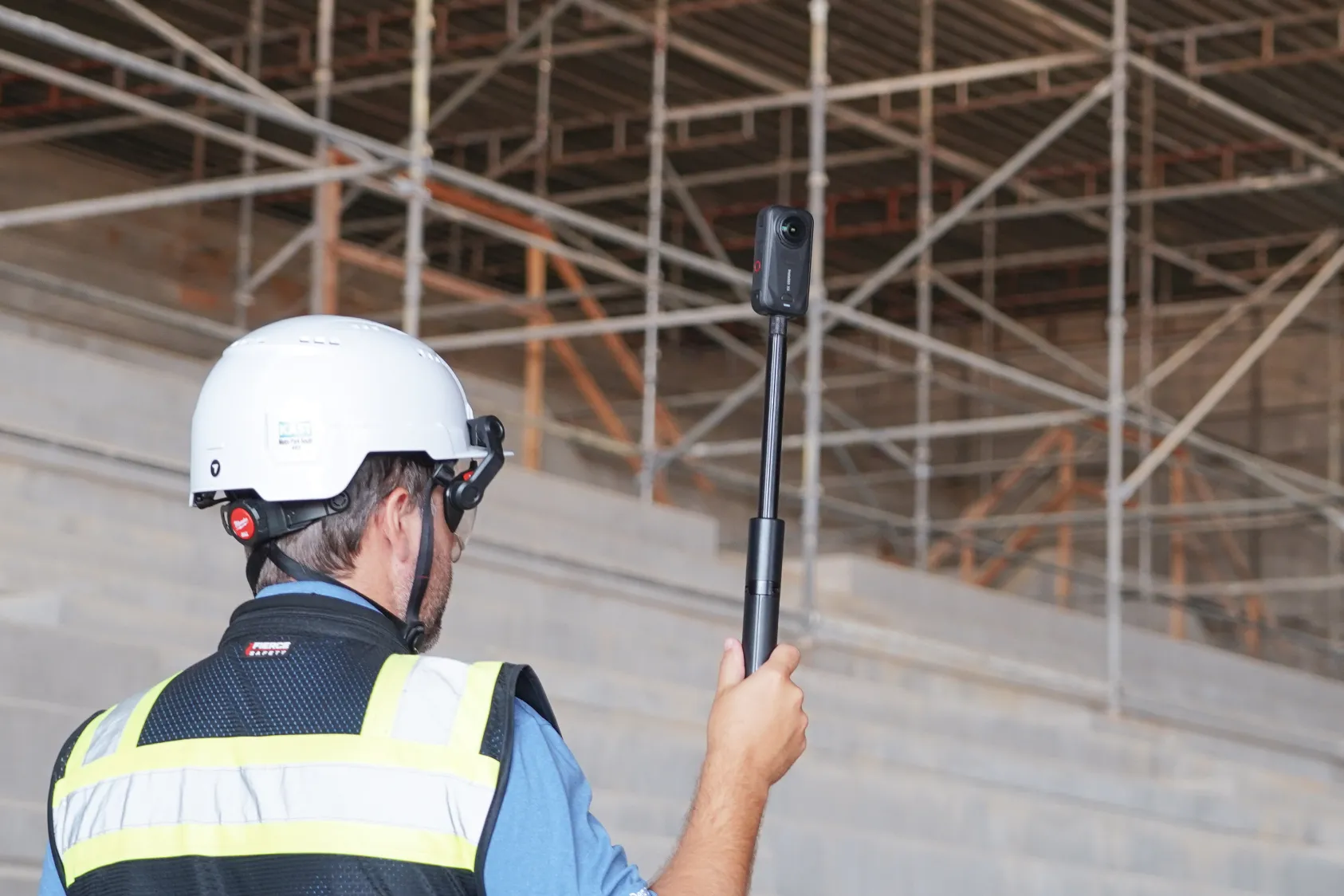
Ground robots Boston Dynamics' Spot and Unitree's Go2 are the most common examples. They walk through building interiors on four legs, carrying 360-degree cameras, capturing every corridor, mechanical room and floor plate on the route. They go where it's impractical to send a person repeatedly, and they follow the same path every time – which is the whole point. Consistency is what makes week-over-week comparison possible.
Docked drone systems A docking station sits on site. The drone launches on schedule, flies the mission, lands, recharges and uploads the data – with no human handling required between flights. Set the path once, set the schedule, and you have a consistent aerial record from identical vantage points for the life of the project. For long-duration projects where daily or weekly aerial capture makes operational sense, docked systems eliminate the labor cost of manual flights.
Industrial inspection robots Less common on construction sites and more common in operating facilities — energy, oil and gas, manufacturing. Their focus is equipment health: reading analog gauges, identifying corrosion and flagging thermal anomalies. Relevant for teams transitioning from construction into operations and maintenance.
.png)
What robots actually do on site
Every task comes back to data capture. The jobs robots are running today:
- Flying or walking predetermined paths to capture imagery from consistent vantage points
- Generating orthomosaic maps, 3D meshes and point clouds from captured images
- Documenting installed work by trade, area and date
- Recording site conditions for safety review
- Calculating cut/fill volumes and stockpile quantities from aerial capture
- Identifying heat signatures and insulation gaps with thermal sensors
None of this requires continuous human involvement. That's the point.
How the data goes from raw capture to something useful
The robot captures images. Photogrammetry software processes those images into maps, models and walkthroughs. The team reviews outputs against drawings, design models or previous captures to see what changed.
The workflow in practice:
- Define the mission path or set the automated schedule
- Robot captures overlapping images along the route
- Imagery uploads to cloud processing
- Platform generates maps, models or walkthroughs
- Team reviews against drawings or prior captures in a coordination meeting
A concrete example: weekly drone flights capture the full site every Thursday morning. By Thursday afternoon, the project team has updated maps showing exactly what was installed since the week before. The superintendent references them in Friday coordination meetings with trade partners — no extra prep, no manually organized photos.
Learn how others in the industry are already deploying robots on their sites.
What AI does after the robot captures
Capture and analysis are two separate things. The robot creates the data. AI reviews it.
Automated progress tracking DroneDeploy's Progress AI analyzes captured imagery and identifies installed work across trade types – MEP, drywall, concrete – without needing a connected schedule or BIM model. It generates percentage-complete reports by area and trade, automatically, after each capture cycle.
Safety hazard detection AI models trained on OSHA standards scan site imagery for potential hazards: missing guardrails, unprotected edges, PPE violations. The analysis runs in the background after each capture, and findings map directly to locations on the site plan. No one has to review hours of footage to find them.
Asset condition monitoring For facilities and industrial teams, AI tracks equipment health over time – reading gauges, detecting corrosion, flagging thermal anomalies – without requiring personnel to enter hazardous areas for routine inspections.
.png)
How to run robotic missions on your project
For docked systems, the setup can be a one-time task. Define the flight path, set the schedule, and the dock handles everything else – charging, data upload, processing. A project manager can schedule a Monday morning flight and have processed maps ready before the weekly OAC meeting without anyone touching the drone.
Ground robot missions work the same way. Define the walking route once. The robot follows it consistently on every pass, which is what makes comparison meaningful.
Teams typically configure missions around key milestones, trade coordination cycles or daily QC check-ins depending on the phase.
.png)
The labor math
Manual site documentation is expensive – in time, not just headcount. A member of your team walking 200,000 square feet with a iphone camera can spend four hours capturing photos and another two hours organizing them. A ground robot finishes the same walkthrough in 45 minutes, and every photo is automatically tagged by location and date.
With skilled labor shortages across the industry, that recovered time is the real value proposition. Robots handle the repetitive capture work, while field staff focus on decisions.
Three steps to get started
1. Decide what you need to capture and how often Match capture frequency to your project phase and site size. Large civil sites typically benefit from weekly aerial flights. Interior fit-outs may call for daily ground robot walkthroughs. Start with what would actually change your weekly coordination conversations.
2. Match the robot type to the phase Drones are most useful during earthwork and exterior phases when the site is open from above. Ground robots are built for interior fit-out – MEP, drywall, ceilings. Docked systems make the most sense on long-duration projects where the ROI on consistency compounds over time.
3. Connect the data to your existing tools DroneDeploy integrates directly with Procore and Autodesk, so the maps, models and reports your team generates flow into the project management platform they're already using. No separate login, no manual export, no friction in the workflow.
Book a demo to see how DroneDeploy coordinates aerial, ground and robotic capture in one platform.
.png)
FAQ
Drone capture services typically run a few hundred dollars per flight. Owned equipment requires upfront investment plus maintenance. Most teams start with capture services before buying hardware — it's a lower-risk way to build the workflow before committing capital.
Docked systems can launch and fly autonomously, though airspace regulations may require a visual observer depending on your location. Ground robots generally don't require any pilot certification. Teams operating under Part 107 waivers can run fully remote operations in approved areas.
DroneDeploy's direct integrations push maps, models and reports into both platforms. Your team accesses current site data inside the tools they already use — no context switching required.
Most drone and ground robot systems include onboarding and flight planning training. Teams with no prior experience are typically up and capturing within two to three hours of setup. Automated and docked systems have a shorter learning curve than manually piloted flights.
Yes, with caveats. Capture scales to projects of all sizes, from tenant fit-outs to major civil work. For smaller projects, capture services are usually the right starting point – you get the documentation benefit without owning dedicated hardware. The key question is capture frequency: if you'd benefit from weekly or daily documentation, the economics work regardless of project size.
Related articles

Ready to learn more?
Contact sales to see how DroneDeploy can give your teams the power to document and analyze your sites from the air and ground – all in one AI-powered platform.